









The 11 best Motion.io alternatives (now LaunchBay) worth trying in 2026
 Vivienne ChenJun 29, 2026
Looking to switch from Motion.io (LaunchBay)?
Try Assembly to deliver a personalized client experience with dynamic portals, automated workflows, and consolidated billing in one place. Try for free!
4.9 rating
- 11 best Motion.io alternatives (now LaunchBay): At a glance
- Why look for LaunchBay alternatives?
- TL;DR: Which Motion.io alternative should you choose?
- 1. Rocketlane: Best for structured client onboarding with project management
- 2. OnRamp: Best for guided onboarding with internal and external project views
- 3. GUIDEcx: Best for shared onboarding portals for implementation teams
- 4. Assembly: Best for branded client portals with onboarding, billing, and CRM
- 5. Moxo: Best for white-label portals with secure document workflows
- Special mentions
- How to evaluate Motion.io alternatives
- The client experience your business delivers depends on the tools behind it
- Frequently asked questions
Rocketlane, Assembly, and Dock are some of the strongest Motion.io alternatives for service businesses, depending on how much structure you need on the client-facing side. After researching and testing dozens of options, here are the 11 best, what each one does, and who it's actually built for.
11 best Motion.io alternatives (now LaunchBay): At a glance
| Tool | Best for | Starting price (billed annually) |
|---|---|---|
| Rocketlane | Structured client onboarding with built-in project management | $19/member/month |
| OnRamp | Guided onboarding with internal and client-facing project views | Custom pricing |
| GUIDEcx | Shared onboarding portals for implementation teams | Custom pricing |
| Assembly | Branded client portals with onboarding, billing, and CRM | $39/month |
| Moxo | White-label portals with secure document workflows | $960/year |
| Dock | Shared client workspaces from deal to renewal | $350/month |
| SuiteDash | White-label portals with deep customization | $180/year |
| Clinked | Secure client portals for file sharing and collaboration | $239/month |
| Softr | No-code client portals built on Airtable or Google Sheets | $49/month |
| HoneyBook | Branded client experience for proposals, contracts, and payments | $29/month |
| Dubsado | Automated client workflows for solopreneurs | $335/year |
*Pricing correct as of May 2026. Verify with vendor.
Why look for LaunchBay alternatives?
LaunchBay, formerly known as Motion.io, works well for agencies and service teams that want structured client onboarding with automated task flows and a clean client-facing portal. However, a few limitations tend to surface as your needs grow:
- Billing and payments are still evolving: LaunchBay supports payments as part of the client portal experience, but teams that need full invoicing, subscriptions, or advanced billing workflows may still prefer a dedicated billing or professional services automation (PSA) tool alongside it.
- Integrations are narrower than some competitors: LaunchBay connects with tools like Zapier, Google, and a handful of project management platforms, but it doesn't yet have the deep native integration library that larger platforms offer.
- Proposals and contracts aren’t the main focus: LaunchBay is built around onboarding workflows and client portals, so many teams still rely on dedicated proposal or e‑signature tools to handle formal proposals and contracts.
- Reporting is lightweight: LaunchBay shows real‑time progress and bottlenecks for onboarding work, but if you need highly customized dashboards or deep financial and utilization reporting, you’ll likely need to pair it with another analytics or PSA tool.
TL;DR: Which Motion.io alternative should you choose?
The right LaunchBay alternative depends on how complex your client-facing workflows are and how important a branded experience is for your clients.
Choose:
- Rocketlane if you want a purpose-built onboarding platform with structured project management and a polished client portal. For very simple onboarding, it might feel like more than you need.
- OnRamp if you want guided customer onboarding with clear internal and external project views. Teams that need billing or a broader client management layer may need another tool alongside it.
- GUIDEcx if you want a shared implementation portal where clients can track milestones and responsibilities. It's built for larger onboarding operations and may be heavier than smaller teams need.
- Assembly if you want a branded client portal platform with onboarding flows, billing, contracts, and CRM in one place. The broader feature set means more to configure upfront.
- Moxo if you need enterprise-grade white-label portals with secure document workflows and approval chains. It’s a strong fit for larger or highly regulated operations and may feel like overkill for many small service teams.
Stick with LaunchBay if automated onboarding task flows and a clean client-facing portal are your main priorities, and you’re comfortable handling deeper billing, contracts, or extra integrations with other tools.
1. Rocketlane: Best for structured client onboarding with project management
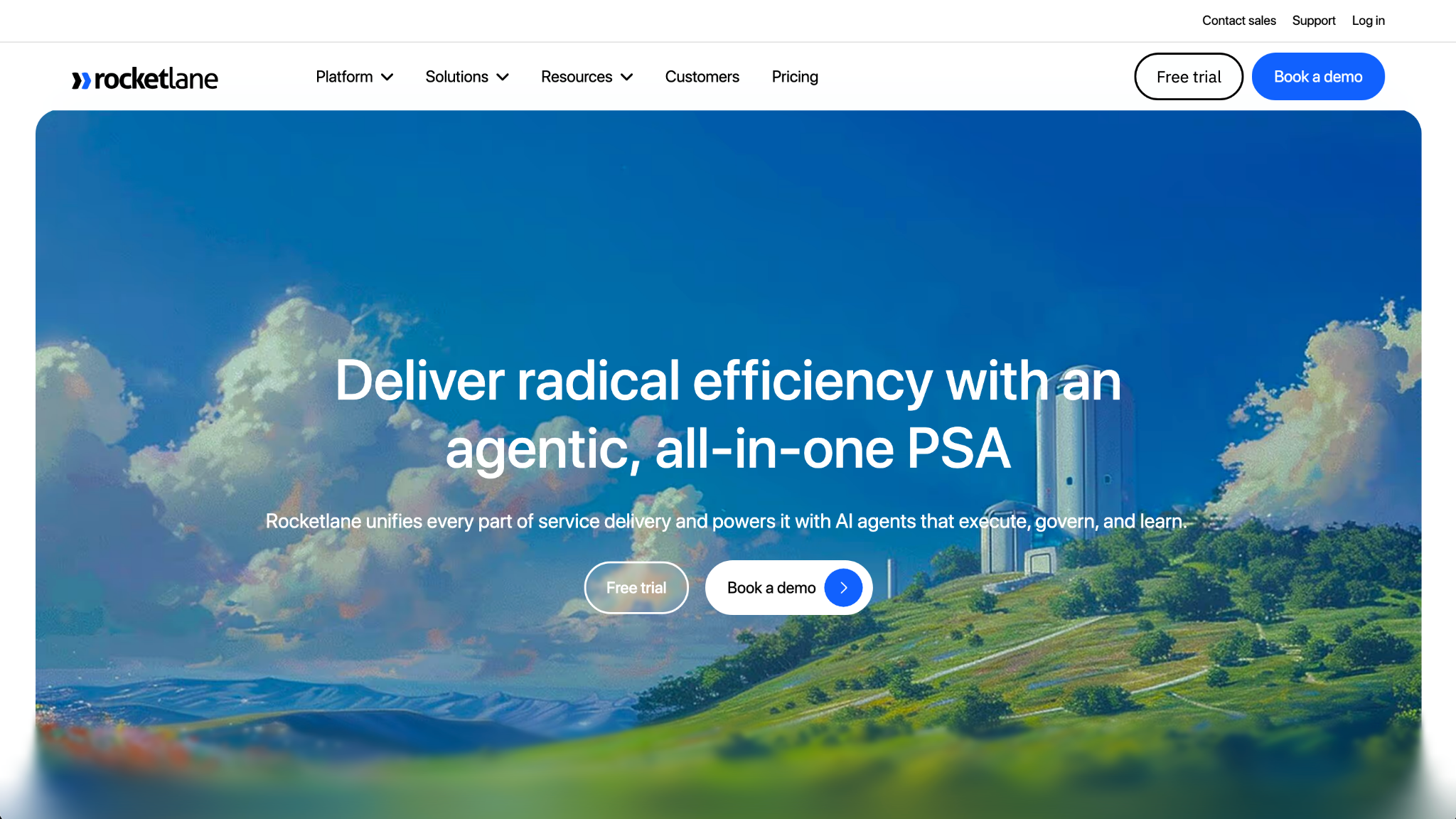
Rocketlane is a client onboarding and PSA platform for B2B service teams. It combines task tracking, time tracking, resource planning, and shared workspaces, giving both internal teams and clients visibility into where a project stands. However, the volume of features can slow load times and steepen the learning curve for new team members.
Key features
- Shared client workspaces: Give clients and internal teams a single view of tasks, timelines, and project updates without switching between tools.
- Onboarding playbooks: Build reusable project templates that auto-populate based on client type or project scope to standardize delivery across engagements.
- Time tracking and resource planning: Log hours against tasks and use utilization data to plan team capacity across multiple active projects.
Pros
- ✅ Clients can access project status, tasks, and updates through a shared portal without needing a full Rocketlane account
- ✅ Onboarding playbooks and reusable templates help teams deliver a consistent experience across every new client
- ✅ Time tracking ties directly into project delivery, giving teams visibility into how long each onboarding phase takes
Cons
- ❌ The platform's depth can feel overwhelming for smaller teams that need straightforward onboarding without PSA-level complexity
- ❌ Notification management needs attention, as some users report that reminder emails aren’t always as contextual or direct as they’d like when linking back into specific tasks or tickets
Best for
- B2B service teams managing structured, multi-phase client onboarding projects
- Implementation and customer success teams that need both internal and client-facing project visibility
- Agencies and professional services firms that want to standardize onboarding delivery across a growing client base
Pricing
Rocketlane starts at $19 per member per month (billed annually), with a minimum of 5 members.
2. OnRamp: Best for guided onboarding with internal and external project views
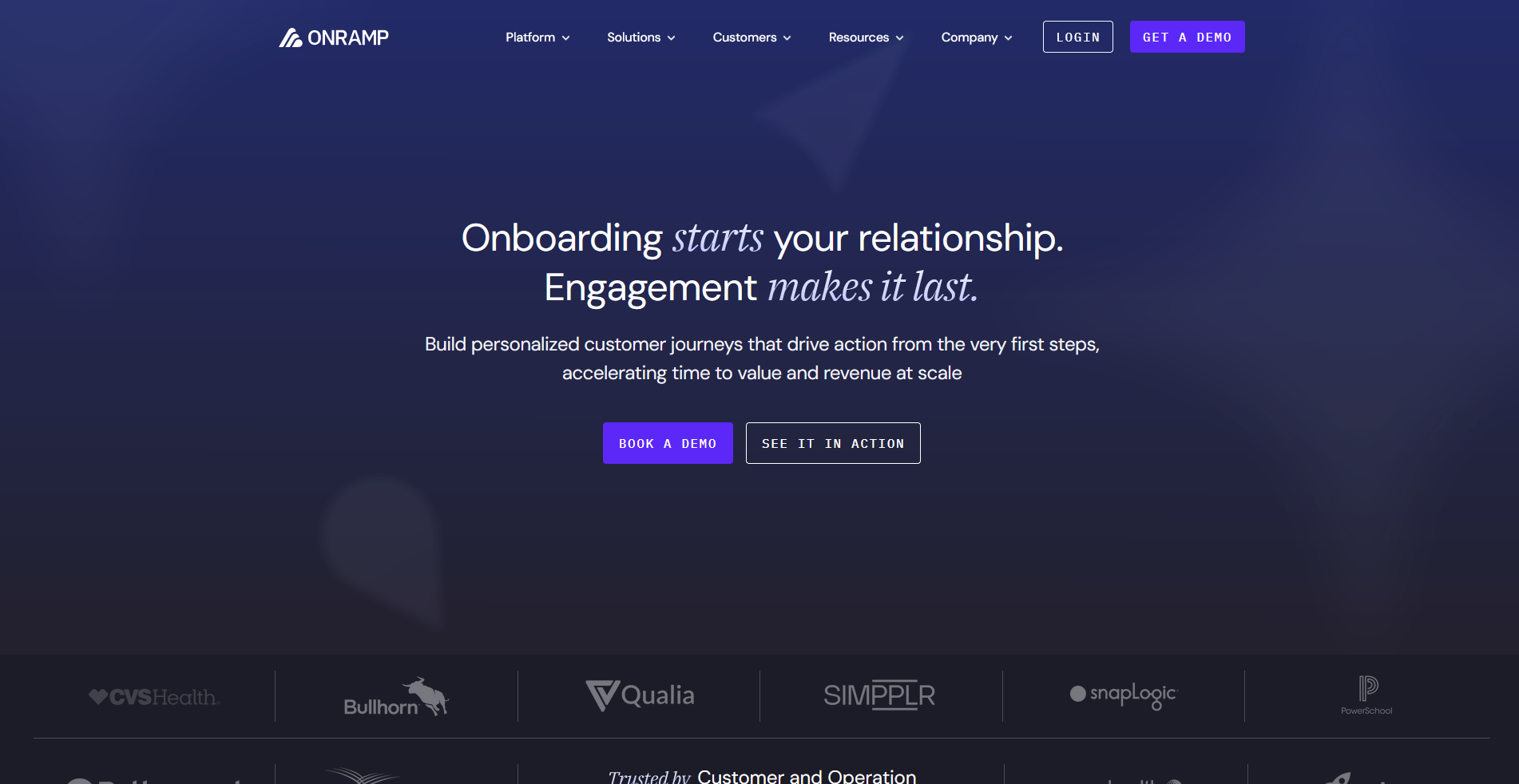
OnRamp is a client onboarding platform for B2B service and SaaS teams that separates the client experience from the internal project view. Clients work through a guided step-by-step portal, while internal teams track progress and manage blockers from their own dashboard. Outside of Salesforce, HubSpot, and Slack, connecting other tools may require additional setup through 3rd-party connectors.
Key features
- Dual-view portal: Give clients a guided step-by-step workspace while internal teams manage the same project from a separate dashboard with full visibility into progress and blockers.
- Onboarding playbooks: Build reusable templates with dynamic task logic that adjusts based on client type, project scope, or responses collected during onboarding.
- Bottleneck analytics: Track where clients stall in the onboarding process and use that data to identify patterns and adjust workflows accordingly.
Pros
- ✅ The client-facing portal is clean and guided, making it easy for customers to understand what they need to do and when
- ✅ CRM integrations with Salesforce and HubSpot can trigger onboarding projects automatically when a deal closes
- ✅ Bottleneck analysis gives teams visibility into where clients consistently slow down, making it easier to improve delivery over time
Cons
- ❌ Native integrations focus on Salesforce, HubSpot, and Slack, so teams that rely on a broader tool stack may need to use additional integration tools or custom connections
- ❌ Some users report that modifying tasks mid-project can be clunky, particularly if work on a task has already been started
Best for
- B2B SaaS and service teams that want a guided, customer-facing onboarding portal alongside internal project tracking
- Customer success teams that work out of Salesforce or HubSpot and want onboarding to trigger automatically when a deal closes
- Teams that want onboarding analytics to identify where clients are getting stuck and improve delivery over time
Pricing
OnRamp offers custom pricing.
3. GUIDEcx: Best for shared onboarding portals for implementation teams
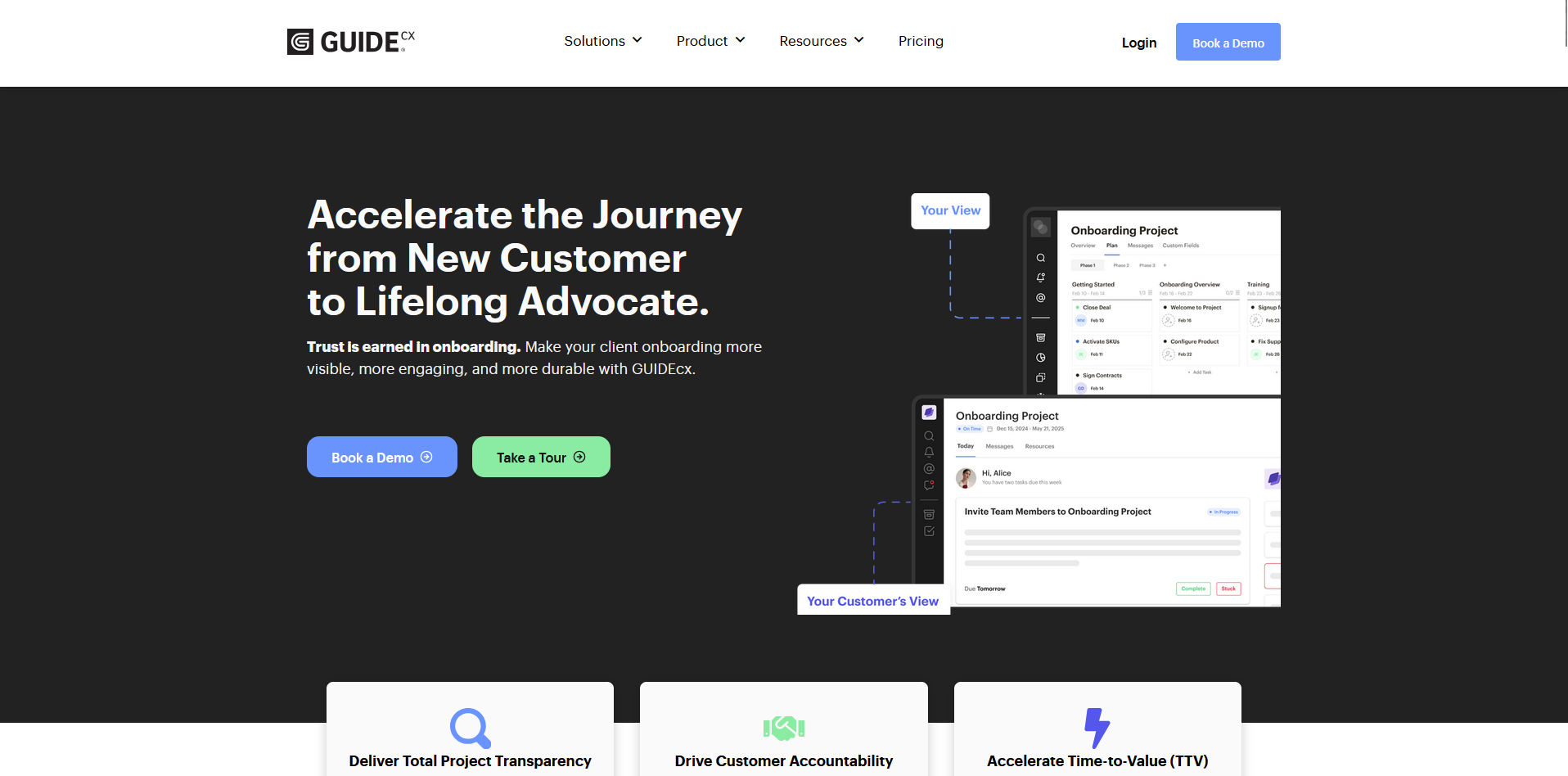
GUIDEcx is a client onboarding platform for implementation teams that combines automated task assignments, role-based workflows, and a client-facing portal designed for quick, hassle-free access. It's built for larger onboarding operations, so if you’re a smaller team, you may find the feature depth more than you need.
Key features
- Easy-access client portal: Give clients real-time access to project timelines, task statuses, and upcoming milestones through a simple customer portal experience
- Role-based task assignments: Assign tasks to internal team members, clients, or third-party vendors by role or project phase to keep accountability clear across all stakeholders.
- Onboarding analytics: Track project health, identify at-risk onboarding flows, and use timeline forecasting to spot delays before they affect delivery.
Pros
- ✅ Clients can access their onboarding portal through a simple customer portal experience, which makes it easier to engage early in the process
- ✅ Automated reminders and task assignments keep both internal teams and clients moving without manual follow-up
- ✅ Project health tracking and forecasting give teams visibility into which onboarding flows are at risk before they fall behind
Cons
- ❌ UI customization options are limited, which can make it harder to tailor the portal experience to match your brand
- ❌ The templates still need setup work, so teams should expect to spend time tailoring onboarding flows to their own process
Best for
- Implementation and customer success teams managing complex, multi-stakeholder onboarding projects
- Service teams that want clients to track their own onboarding progress through an easy-to-access customer portal
- B2B firms that need project health tracking and forecasting across a large volume of active onboarding projects
Pricing
GUIDEcx offers custom pricing.
4. Assembly: Best for branded client portals with onboarding, billing, and CRM
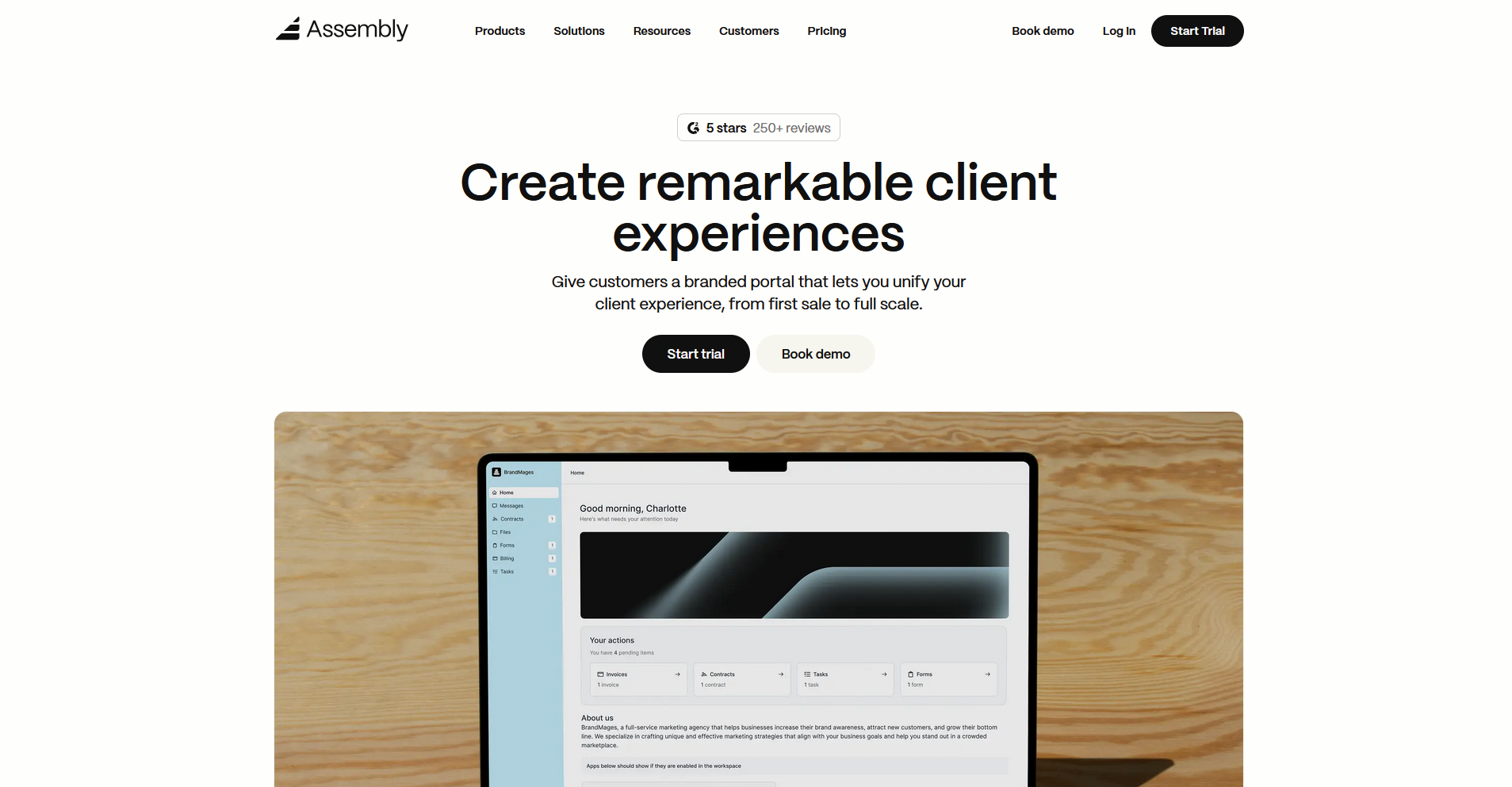
Assembly is a client portal platform for professional service firms that want to manage onboarding, billing, contracts, and client messaging inside a single branded portal. You can set up recurring automations that trigger welcome messages, intake forms, contracts, and invoices on a schedule or based on client actions. One downside is that project management features are lighter than dedicated PSA tools.
Key features
- Onboarding automations: Set up recurring automations that trigger forms, messages, contracts, and invoices based on client actions or scheduled timelines, reducing manual follow-up across new client setups.
- Client-linked and client-facing tasks: Associate tasks with specific clients without giving them visibility, keeping internal work organized while controlling exactly what clients see in their portal.
- Security: Assembly maintains SOC 2 Type II compliance and supports GDPR, CCPA, and HIPAA compliance.
Pros
- ✅ Onboarding, billing, contracts, messaging, and file sharing sit inside one branded portal, so clients don't need to navigate multiple tools or platforms
- ✅ The Assembly Assistant knows the full client context, including notes, history, and custom properties, and can help draft messages and summarize activity without switching tabs
- ✅ Dynamic client homepages let different clients see different content automatically based on custom field tags, making it easy to personalize the portal experience at scale
Cons
- ❌ Project management features are lighter than dedicated PSA tools, so firms managing complex, multi-phase implementations may need a separate tool for delivery
- ❌ The Starter plan supports only 1 internal user, which can limit smaller teams that need multiple team members without moving to a higher tier
Best for
- Agencies and professional service firms that want a branded client portal covering onboarding, billing, and ongoing client communication in one place
- Service businesses that want to automate the early client experience, from invitations and intake forms through to contracts and first invoices
- Firms that want to embed existing tools like Looker Studio or Airtable directly into a client-facing portal without building a custom solution
Pricing
Assembly starts at $39 per month.
5. Moxo: Best for white-label portals with secure document workflows
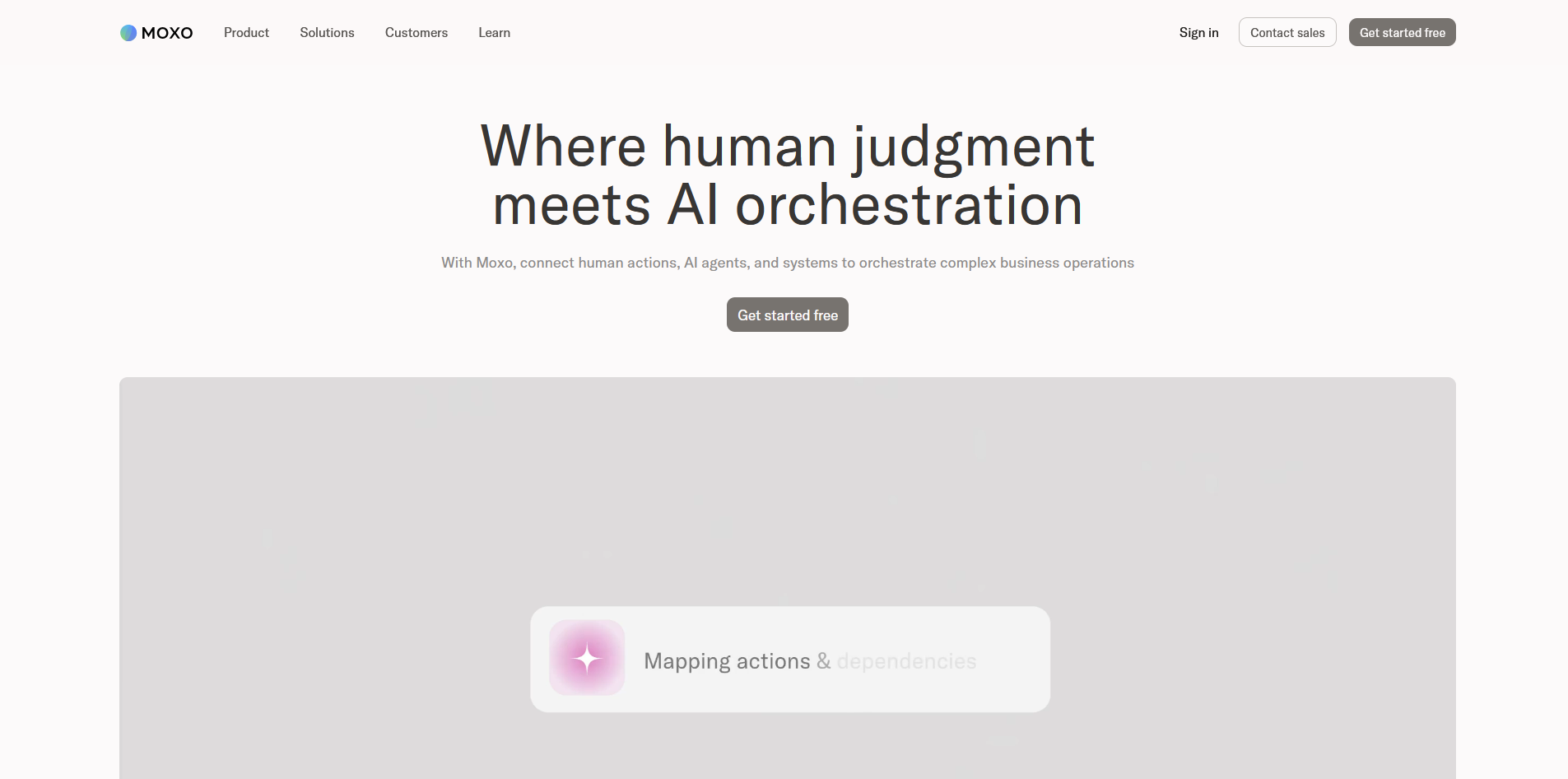
Moxo is an enterprise-grade client collaboration platform that combines secure messaging, file sharing, document workflows, approvals, and task tracking inside white-label client portals. It's built for mid-market and enterprise teams managing complex, multi-party processes. If you’re a smaller team, you may find the setup heavy and the learning curve on the steep side.
💡Tip: Check out our full Moxo review to learn more.
Key features
- White-label client workspaces: Create branded portals for each client with secure messaging, file sharing, and real-time activity streams, all under your own domain and branding.
- Workflow automation: Build automated approval chains, onboarding sequences, and notification triggers to keep multi-step client processes moving without manual follow-up.
- eSignatures and secure document collection: Collect signed documents and form responses directly inside the client portal without routing clients to a separate tool.
Pros
- ✅ Messaging, file sharing, eSignatures, and workflow automation sit inside one portal, giving enterprise teams a single environment for managing complex client processes
- ✅ SOC 2 Type II and GDPR-compliant infrastructure makes it a strong fit for firms in regulated industries like finance and legal
- ✅ Role-based portal views let different stakeholders see only what's relevant to them, keeping the client experience focused across multi-party engagements
Cons
- ❌ Setup and workflow configuration can take significant time, and the learning curve is steeper than most tools on this list
- ❌ Moxo is built for larger teams, and smaller service businesses may find the platform offers more than they need day to day
Best for
- Mid-market and enterprise teams managing complex, multi-party client processes that require structured approvals and accountability
- Firms in regulated industries that need SOC 2 Type II and GDPR-compliant document workflows and secure client communication
- Operations teams running high-volume, repeatable processes like onboarding, compliance reviews, or contract approvals across many clients
Pricing
Moxo starts at $960 per year.
Special mentions
I tested each of these alongside the main picks, and depending on what you're looking for, one of them could be a better fit.
Here are 6 more LaunchBay alternatives worth a look:
- Dock: Dock is a shared client workspace that covers onboarding, deal rooms, and renewals in one place. The onboarding checklist experience is structured and easy for clients to follow. The experience is more desktop-focused, so clients who primarily work from their phones may need to adjust.
- SuiteDash: SuiteDash is a white-label business platform with a client portal, project management, invoicing, email marketing, and e-signatures under one roof. The depth of customization is impressive once you get the hang of it. There's a lot to configure before it runs the way you want, and the interface can feel overwhelming during setup.
- Clinked: Clinked is a secure, white-label client portal built around file sharing, group collaboration, and detailed access controls. It's well-suited to firms in regulated industries like finance and legal, where document security matters. It has fewer native integrations than some larger platforms, so teams with a very wide tool stack may find connectivity a challenge.
- HoneyBook: HoneyBook is a client management platform for freelancers and small service businesses that combines proposals, contracts, invoicing, and a branded client portal in one flow. The experience is polished and quick to set up, but reporting is fairly basic, and many teams look for more advanced tools as they grow beyond a small team.
- Dubsado: Dubsado is a workflow and client management tool offering automation, contracts, forms, and invoicing. The automations cover contracts, invoices, forms, and follow-up sequences in detail. However, the setup curve is steep, and the interface takes time to learn.
- Softr: Softr is a no-code builder that lets you create a client portal on top of Airtable, Google Sheets, or its own native database. It's a valid path if you want a highly customized portal and don't mind building it yourself. It's a DIY approach, which means the quality of what you end up with depends heavily on the time and effort you put in upfront.
How to evaluate Motion.io alternatives
LaunchBay alternatives vary widely, from lightweight onboarding tools to broader platforms that combine client portals, project management, and billing in one place.
Here are some things to consider:
- How client-facing your workflows are: Some tools are built primarily for internal teams, with clients accessing your workspace as guests. Others give clients a fully branded portal with their own login, custom domain, and tailored content. If the client experience is central to how your firm operates, it's worth looking past the feature list at what clients actually see when they log in.
- Whether you need an onboarding structure or ongoing client management: Some tools on this list are purpose-built for onboarding, with milestone tracking, task assignments, and implementation workflows. Others cover the full client lifecycle, from intake and contracts through to billing and long-term communication. Knowing which phase matters most to your business narrows the options quickly.
- Whether you need billing included: Many platforms on this list handle collaboration and project management well, but stop short of invoicing and payments. If you want clients to receive invoices, pay, and track their billing history inside the same portal where they access their work, that narrows your options considerably.
- Internal user limits vs. client limits: These are 2 different pricing constraints and they work differently across tools. Some platforms charge per internal team member, others charge based on how many clients you have, and some apply both. Getting clear on which constraint applies to your business can help you avoid surprises as you scale.
- How much setup you're willing to do: Some tools work out of the box with minimal configuration. Others offer deep customization but can take weeks before they run the way you want. If you need something running quickly, that trade-off matters as much as the feature set.
The client experience your business delivers depends on the tools behind it
Many teams searching for LaunchBay alternatives aren't just looking for a different onboarding tool. They want something that handles more of the client relationship without adding a separate tool for every piece. The tools on this list take different approaches, and the right one depends on how much of that relationship you want to manage in one place.
If you're running a professional service firm and want a branded client portal platform that covers onboarding, billing, and ongoing client communication, Assembly is worth considering. Dynamic client homepages, recurring automations, and a built-in CRM can help you deliver a more consistent experience across every client relationship.
Start your free Assembly trial today.
Frequently asked questions
What is the best Motion.io alternative (now LaunchBay)?
Rocketlane, Assembly, and Dock are some of the strongest Motion.io alternatives, each suited to a different level of client-facing complexity. Rocketlane works best for structured onboarding and implementation, while Assembly suits firms that want a branded portal with billing and CRM included. Dock is worth a look if you need a shared workspace from deal to renewal.
What happened to Motion.io?
Motion.io rebranded to LaunchBay in 2025. The platform kept its core focus on client onboarding automation and retained its existing features, including client portals, task management, and automated workflows.
What is LaunchBay used for?
LaunchBay is used for client onboarding automation. It gives agencies and service teams a structured way to collect files, assign tasks, send automated reminders, and give clients a portal to track their onboarding progress. It's built for B2B service providers, agencies, and software companies that want to standardize how they bring new clients on.