










16 Best branded client portal tools [2026]: Complete buying guide
 Vivienne ChenJul 01, 2026
Give your clients a portal they'll actually use
Assembly is a client portal platform built for professional service firms. Set up a branded portal, automate recurring touchpoints, and give each client a dynamic homepage tailored to their engagement. Try for free!
4.9 rating
- 16 Best branded client portal tools: Quick comparison
- How I researched and tested these branded client portal platforms
- 1. Assembly: Best for branded portals with dynamic client homepages and recurring automations
- 2. Moxo: Best for enterprise white-label portals with workflow orchestration
- 3. SuiteDash: Best for portals with CRM and billing for small businesses
- 4. Clinked: Best for secure file sharing with deep white-label options
- 5. FuseBase: Best for branded portals with an internal knowledge base
- Special mentions
- Which branded client portal platform should you choose?
- Final verdict
- Frequently asked questions
A branded client portal lets you deliver a client-facing workspace under your own logo, colors, and domain, so clients interact with your brand at every touchpoint. After testing dozens of platforms, here are the 16 best tools for creating branded client portals in 2026.
16 Best branded client portal tools: Quick comparison
| 💻 Tool | 🎯 Best for | 🔥 Starting price (billed annually) | ⚡ Strengths |
|---|---|---|---|
| Assembly | Branded portals with dynamic client homepages and recurring automations | $39/month | Consolidated payments, client-linked tasks, and embedded dashboards |
| Moxo | Enterprise white-label portals with workflow orchestration | $960/year | Full white-label control, guided workflows, and audit trails |
| SuiteDash | Portals with CRM and billing for small businesses | $180/year | Unlimited clients, white-label branding, and built-in invoicing |
| Clinked | Secure file sharing with deep white-label options | $239/month | Custom domain, branded mobile apps, and ISO 27001 certification |
| FuseBase | Branded portals with an internal knowledge base | $32/month | White-label portals, client workspaces, and e-signatures |
| HoneyBook | Freelancers managing projects, contracts, and payments | $29/month | Custom domain, branded portal, and invoice management |
| TaxDome | White-labeled portals for accounting and tax firms | $800/seat/year | Custom domain, white-labeled mobile app, and workflow automation |
| Canopy | Branded portals with document management for accountants | $45/user/month | Custom branding, white-label domain, and document request tools |
| SmartVault | Branded portals focused on document storage and compliance | $50/user/month | Secure file storage, custom branding, and tax software integrations |
| Karbon | Branded portals tied to accounting practice management | $59/user/month | Branded portal, workflow automation, and client task management |
| Dubsado | Freelancers and creatives managing projects and contracts | $335/year | Custom domain, branded portal, and automated workflows |
| Client Portal | Lightweight branded portals for files and tasks | $25/month | Custom domain, white-label branding, and simple client access |
| Bonsai | Branded portals with contracts and payments for freelancers | $9/user/month | Custom domain, branded portal, and proposal/contract tools |
| ManyRequests | White-label portals for agencies selling productized services | $39/month | Custom domain, white-label branding, and service request management |
| Ahsuite | Simple white-label portals with embedded content support | $6.50/month | Custom domain, white-label branding, and embedded app support |
| SuperOkay | Branded portals for project updates and client approvals | $9/month | Custom domain, white-label branding, and client approval tools |
How I researched and tested these branded client portal platforms
I tested dozens of branded client portal platforms using sample business profiles, mock client workspaces, and simulated service workflows across onboarding, file sharing, billing, and recurring client communication.
Here's what I considered:
- Branding depth: How far each platform lets you go with custom domains, colors, logos, and removing vendor branding from the client-facing experience.
- Client workspace setup: How quickly you can build a portal, invite clients, and get them actively using it without technical help.
- Client-facing experience: Whether clients can navigate the portal, access files, sign documents, and make payments without confusion or extra back-and-forth.
- Workflow and automation support: How well each platform handles recurring tasks, onboarding sequences, and client communication without added manual steps.
- Integrations: How smoothly each tool connects with the other platforms a typical service business relies on.
The clearest pattern across testing was that the strongest branded client portals give you the tools to shape how clients experience your business at every touchpoint, from the first login to the final invoice.
1. Assembly: Best for branded portals with dynamic client homepages and recurring automations
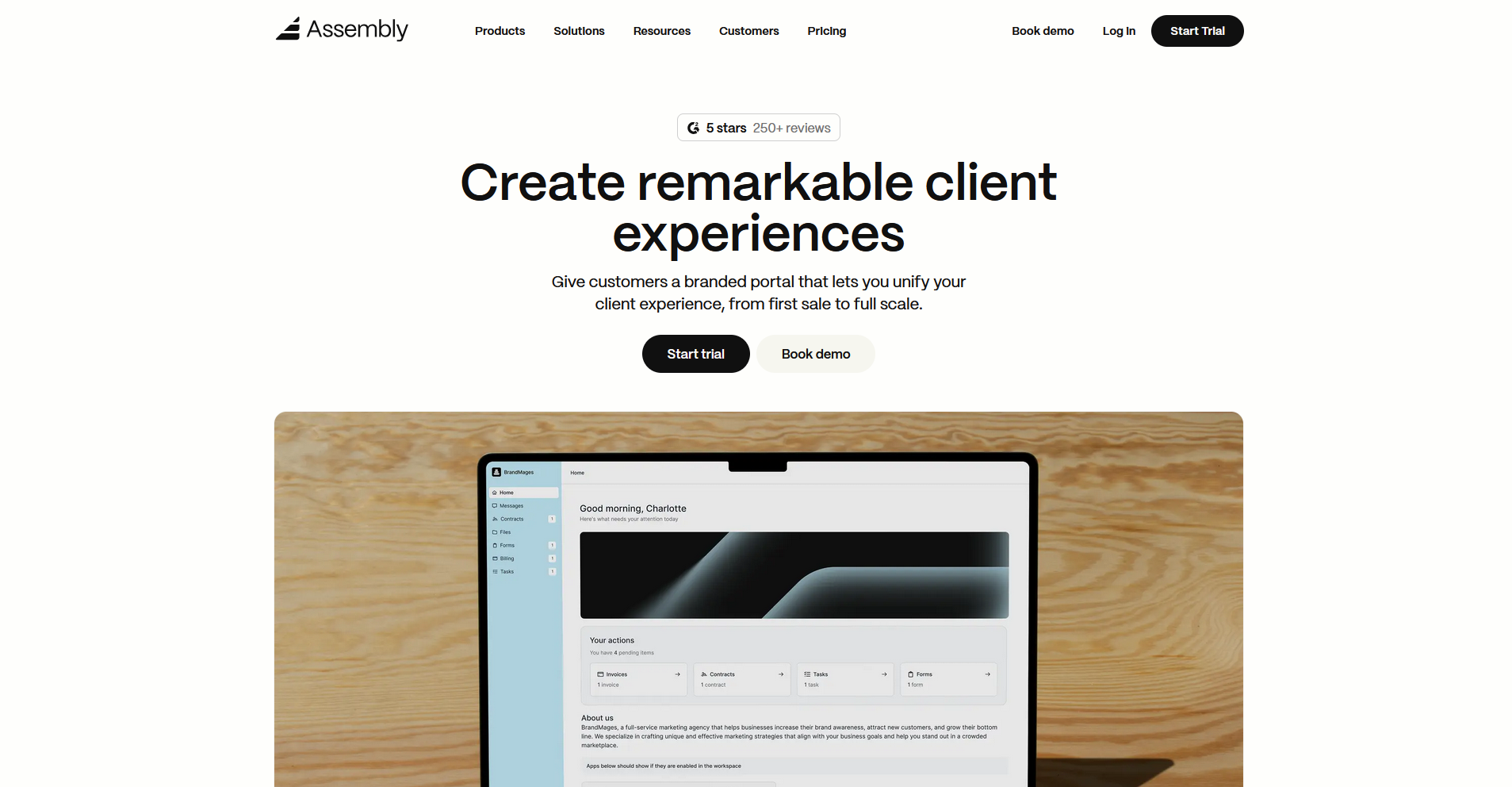
- What it does: Assembly is a client portal platform for service businesses. It allows clients to access files, invoices, messages, contracts, and project updates from a tailored workspace tied to a built-in CRM and billing system.
- Best for: Service firms that want a dedicated client-facing portal with dynamic homepages, recurring automations, and consolidated billing built in.
We designed Assembly for service businesses that need more than a file-sharing portal. You can build a fully branded client workspace under your own domain, where each client sees a homepage tailored to their account, and automations handle the routine touchpoints so your team can focus on the work itself.
Key features
- Dynamic client homepages: Each client's portal homepage displays content based on custom field tags set on their record, so different clients see different information when they log in.
- Recurring automations: Trigger-based workflows fire based on client actions or time intervals, covering welcome messages, invoice reminders, and follow-ups without manual intervention from your team.
- Consolidated payments: Build invoice creation, payment collection, and subscription management directly into the portal, with support for credit card and ACH payments.
Pros and cons
| ✅ Pros | ❌ Cons |
|---|---|
| Branded portal experience tied directly to client CRM records | Automation flexibility has room to grow for complex workflows |
| Recurring automations can reduce manual follow-up across the client lifecycle | Custom domain and custom apps require the Professional plan or above |
| Consolidated payments let clients pay invoices without leaving the portal |
What users say
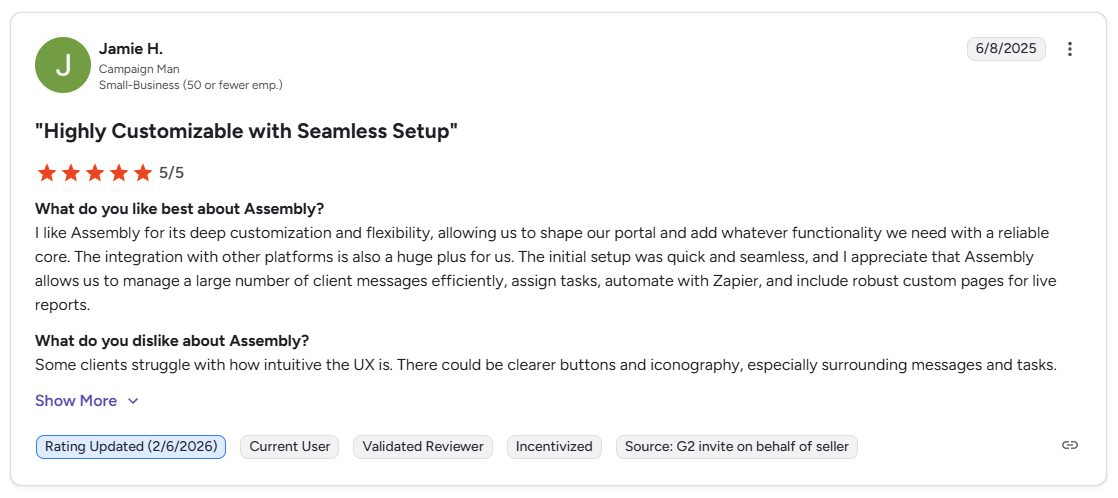
Pro: “I like Assembly for its deep customization and flexibility, allowing us to shape our portal and add whatever functionality we need with a reliable core. … Assembly allows us to manage a large number of client messages efficiently, assign tasks, automate with Zapier, and include robust custom pages for live reports.” - Jamie H., G2
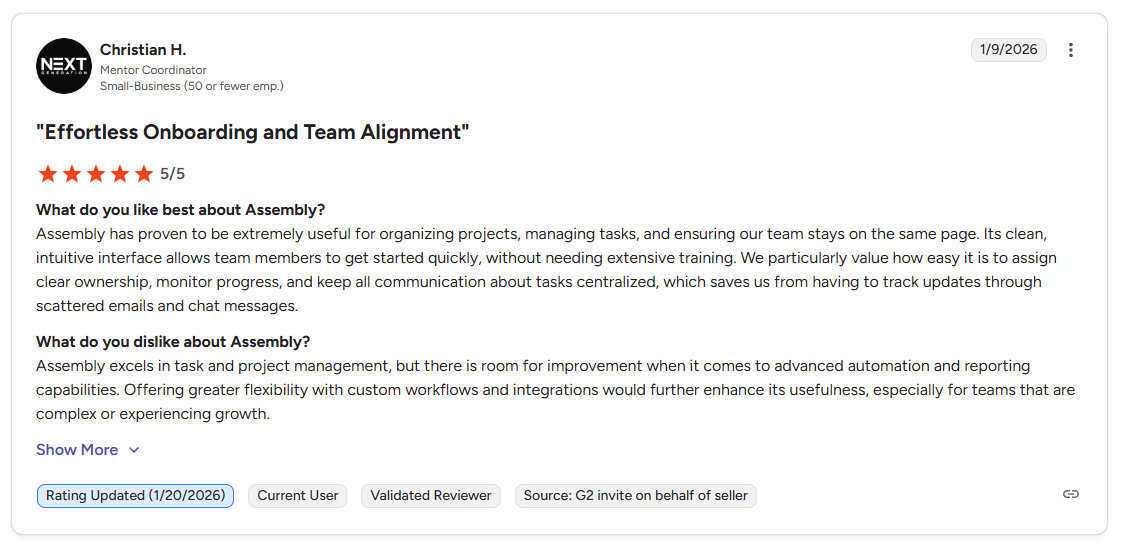
Con: “Assembly excels in task and project management, but there is room for improvement when it comes to advanced automation and reporting capabilities. Offering greater flexibility with custom workflows and integrations would further enhance its usefulness, especially for teams that are complex or experiencing growth.” - Christian H., G2
Pricing
Assembly starts at $39 per month.
Bottom line
Assembly's dynamic client homepages and recurring automations can give each client a more tailored portal experience than a standard white-label setup. If you need full white-label control with enterprise-grade workflow orchestration, Moxo might be a better fit.
2. Moxo: Best for enterprise white-label portals with workflow orchestration
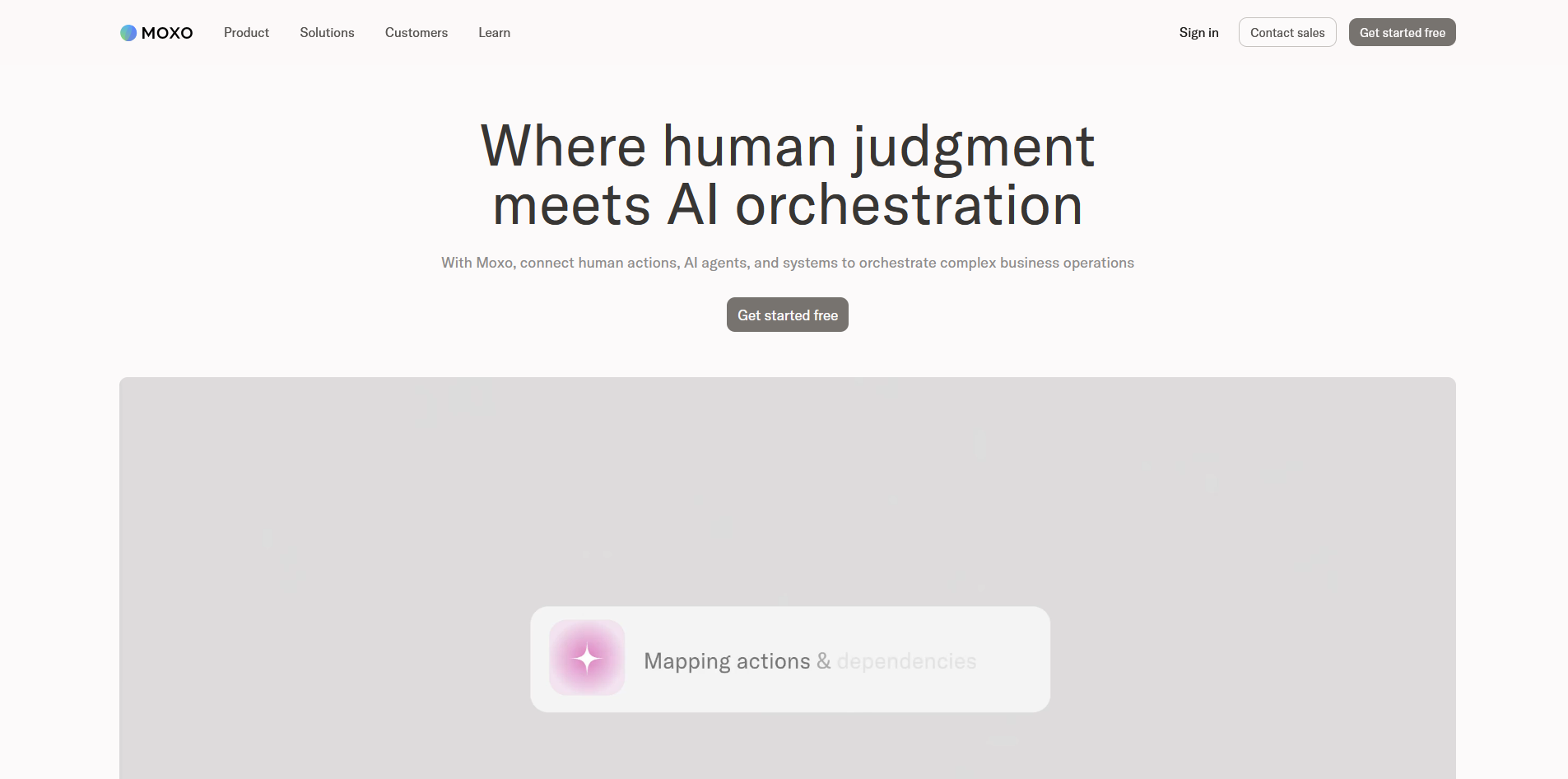
- What it does: Moxo is a client collaboration platform that combines white-label portals, guided workflow automation, secure messaging, file sharing, and e-signatures into one branded workspace.
- Best for: Enterprises and larger service teams managing complex, multi-step client workflows across finance, legal, consulting, and healthcare.
I built a multi-stage client onboarding flow in Moxo with document requests, conditional approvals, and e-signatures to test how far the white-label controls and workflow orchestration go. The drag-and-drop builder handled the routing without code, and the custom domain carried through on both web and mobile. Plan on hours of configuration before complex workflows and automations are client-ready.
Key features
- White-label workflow builder: A drag-and-drop interface for building multi-step client processes with tasks, file requests, approvals, and e-signatures, with the ability to save workflows as reusable templates.
- Full white-label control: Custom domain, logo, colors, and branded iOS and Android app store presence.
- Audit trails and compliance: Automatic logging of workflow actions, with enterprise‑grade security, SOC 2–level controls, and GDPR‑aligned data handling designed for regulated industries.
Pros and cons
What users say
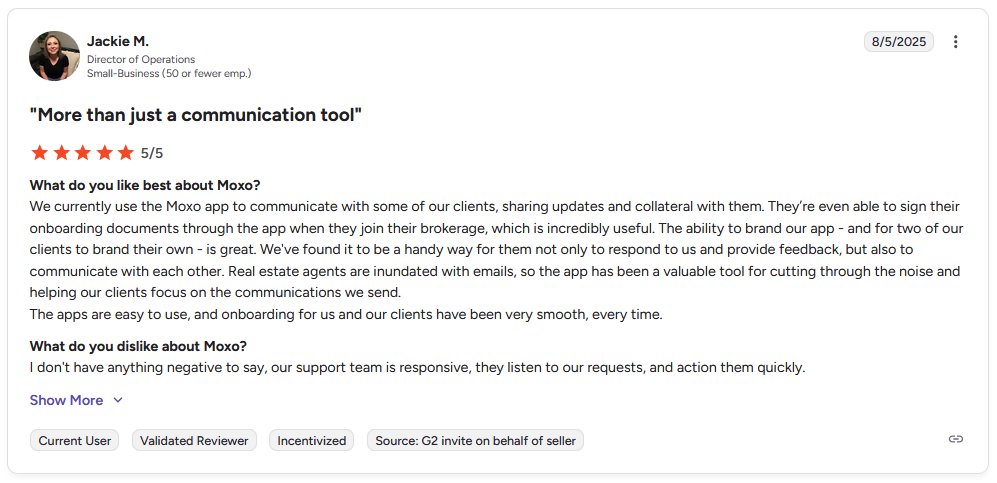
Pro: "We currently use the Moxo app to communicate with some of our clients, sharing updates and collateral with them. … The ability to brand our app … is great. … The apps are easy to use, and onboarding for us and our clients have been very smooth, every time." - Jackie M., G2
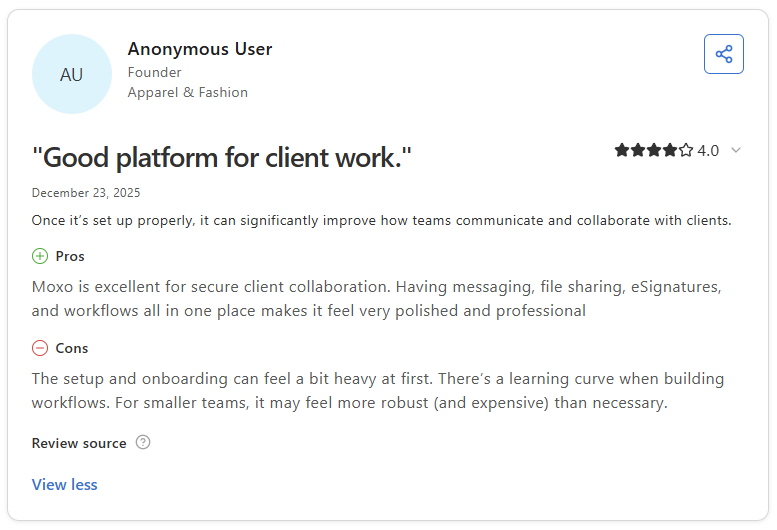
Con: "The setup and onboarding can feel a bit heavy at first. There's a learning curve when building workflows. For smaller teams, it may feel more robust (and expensive) than necessary." - Anonymous User, Capterra
Pricing
Moxo starts at $960 per year.
Bottom line
Moxo's workflow builder supports conditional routing and cross-party approvals across documents, tasks, and e-signatures in a single flow. If you want a simpler white-label setup without the enterprise complexity, SuiteDash could be worth a look.
3. SuiteDash: Best for portals with CRM and billing for small businesses
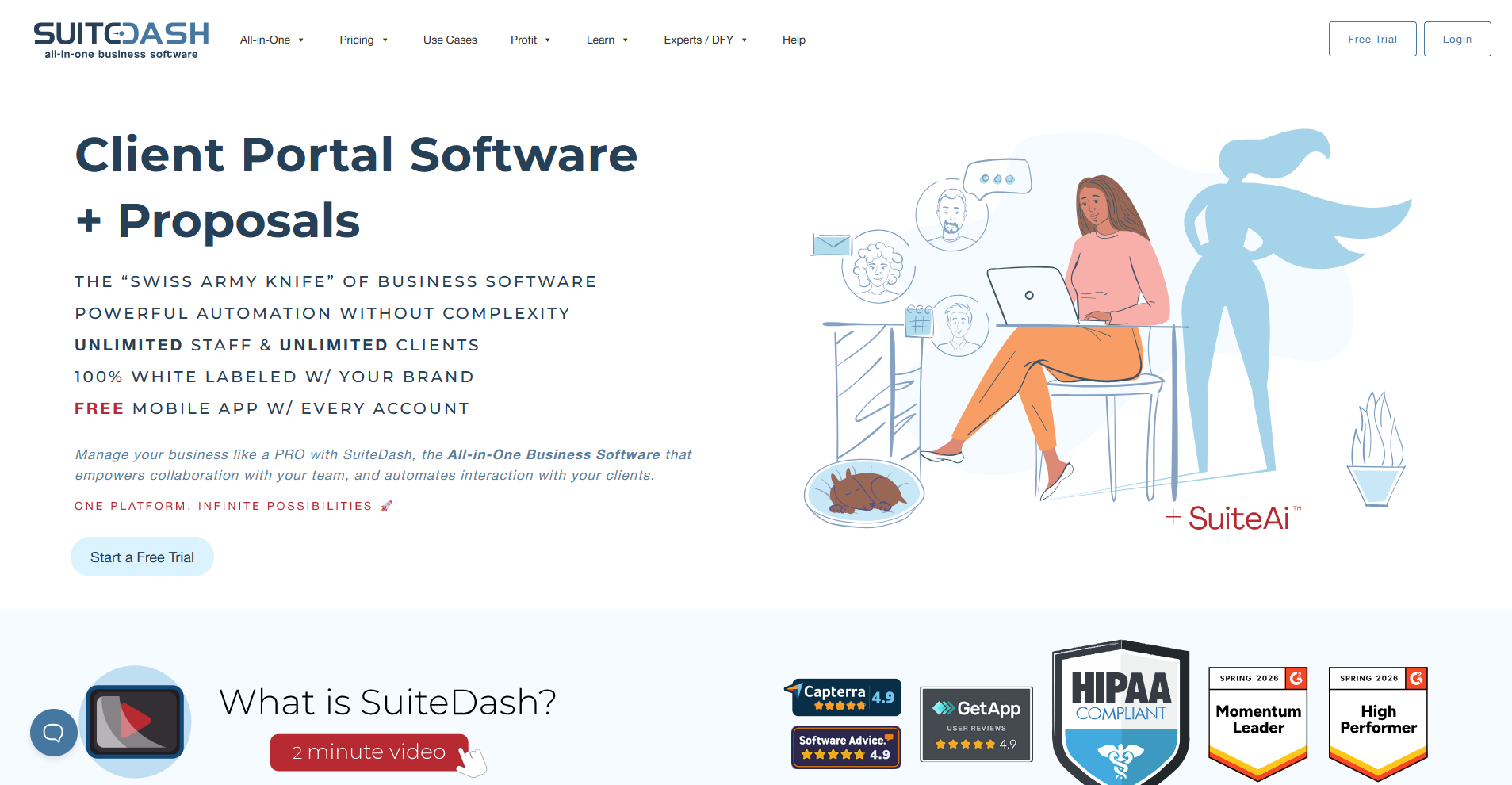
- What it does: SuiteDash is a business management platform that combines a white-label client portal with CRM, project management, invoicing, file sharing, and workflow automation.
- Best for: Small businesses and agencies that want CRM, billing, and a branded client portal in one platform without per-seat pricing.
I set up a SuiteDash portal to test how far its white-label controls and built-in billing could go for a small service business. The client login page, navigation, and outgoing emails carried the firm's branding on the entry plan, with no SuiteDash references showing through. Getting the automations configured took a few hours before anything was client-ready.
Key features
- White-label client portal: Custom domain with automatic SSL, branded login page with 5 layout options, logo and color customization, and a progressive web app delivered under your business name.
- CRM with deal pipelines: Contact management with deal tracking, custom fields, and automation triggers that connect CRM records to billing and project creation.
- Built-in invoicing and billing: Invoice generation, recurring payments, subscription management, and Stripe integration, all accessible to clients from within the portal.
Pros and cons
What users say
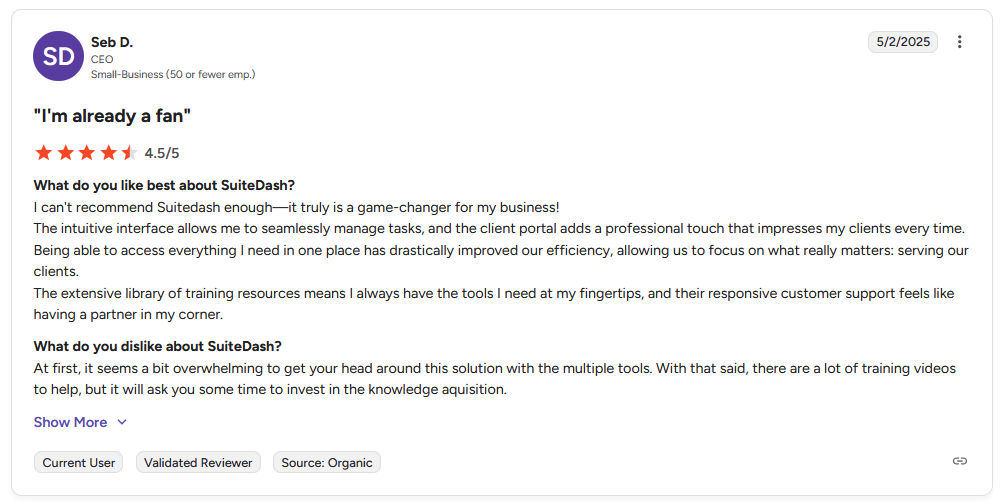
Pro: "The intuitive interface allows me to seamlessly manage tasks, and the client portal adds a professional touch that impresses my clients every time. … The extensive library of training resources means I always have the tools I need at my fingertips, and their responsive customer support feels like having a partner in my corner." - Seb D., G2
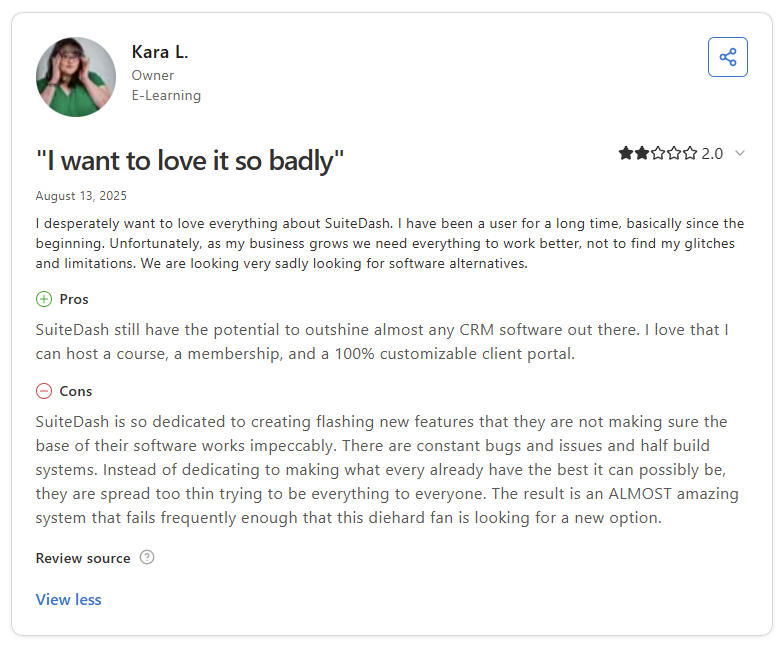
Con: "SuiteDash is so dedicated to creating flashing new features that they are not making sure the base of their software works impeccably. There are constant bugs and issues and half build systems. … The result is an ALMOST amazing system that fails frequently enough that this diehard fan is looking for a new option." - Kara L., Capterra
Pricing
SuiteDash starts at $180 per year.
Bottom line
SuiteDash's unlimited client and team member pricing makes it one of the few branded portal platforms where growth doesn't increase your monthly bill. If you need a lighter setup focused specifically on the client-facing experience rather than a full business management suite, Clinked could be worth a look.
4. Clinked: Best for secure file sharing with deep white-label options
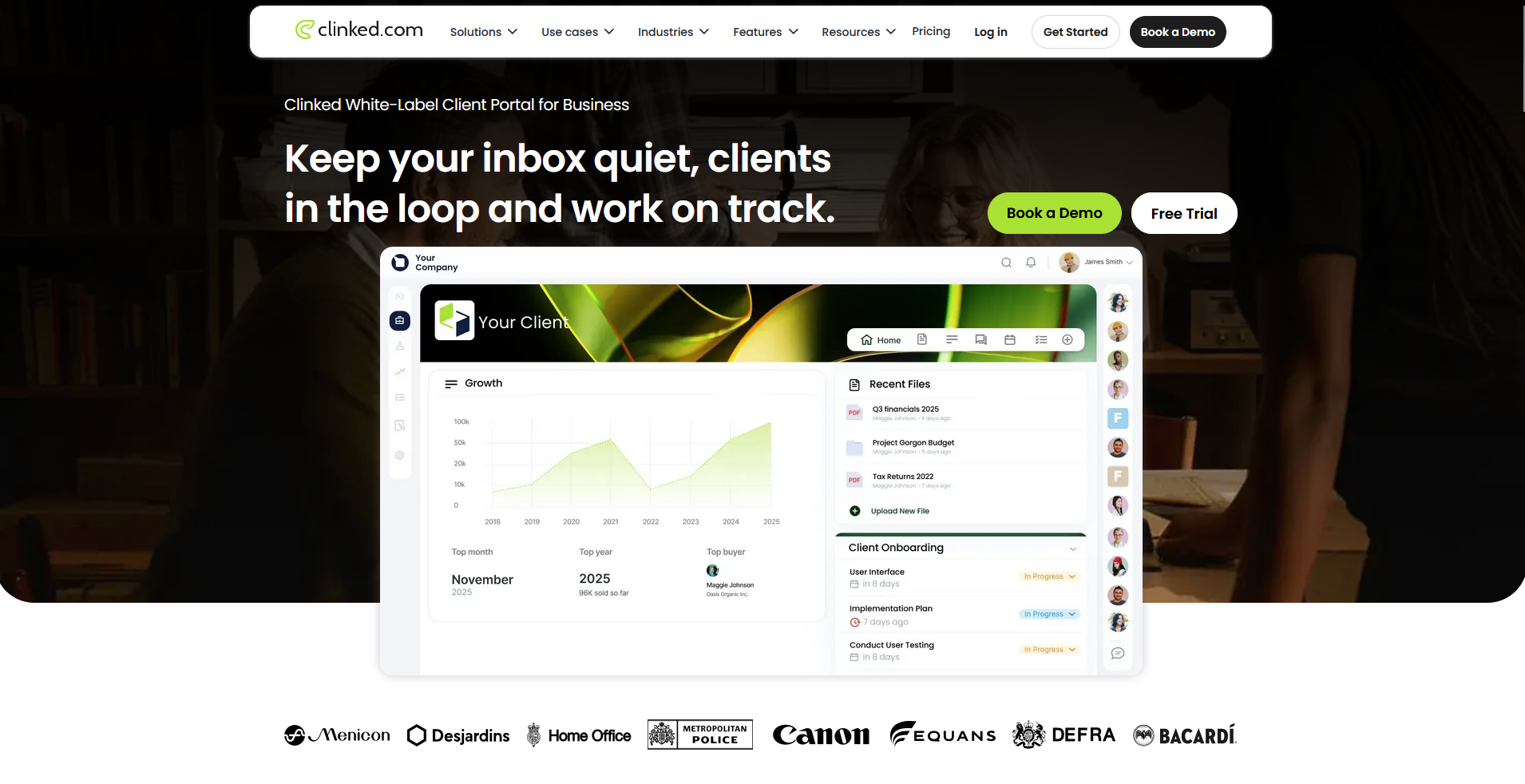
- What it does: Clinked is a white‑label client portal platform for secure file sharing, project collaboration, and client communication, with ISO 27001 certification and branded client‑facing mobile access.
- Best for: Professional services firms and agencies that need deep white-label controls alongside enterprise-grade security certifications.
I set up a Clinked portal to test how far the white-label controls and security features perform for compliance-sensitive clients. The custom domain, branded login page, and email notifications carried the firm's branding without any Clinked references showing through. Reporting covers the basics but lacks the detail needed to track activity across multiple client accounts.
Key features
- White-labeled mobile experience: iOS and Android apps that surface your branded client workspaces, with your logo and colors carried through the portal.
- ISO 27001 certified security: 256‑bit SSL encryption in transit, AES encryption at rest, granular permission controls, audit trails, and GDPR‑ and HIPAA‑aligned data protection.
- File sharing and document management: Drag-and-drop file uploads, folder organization, version control, live previews, and real-time collaborative document editing.
Pros and cons
What users say
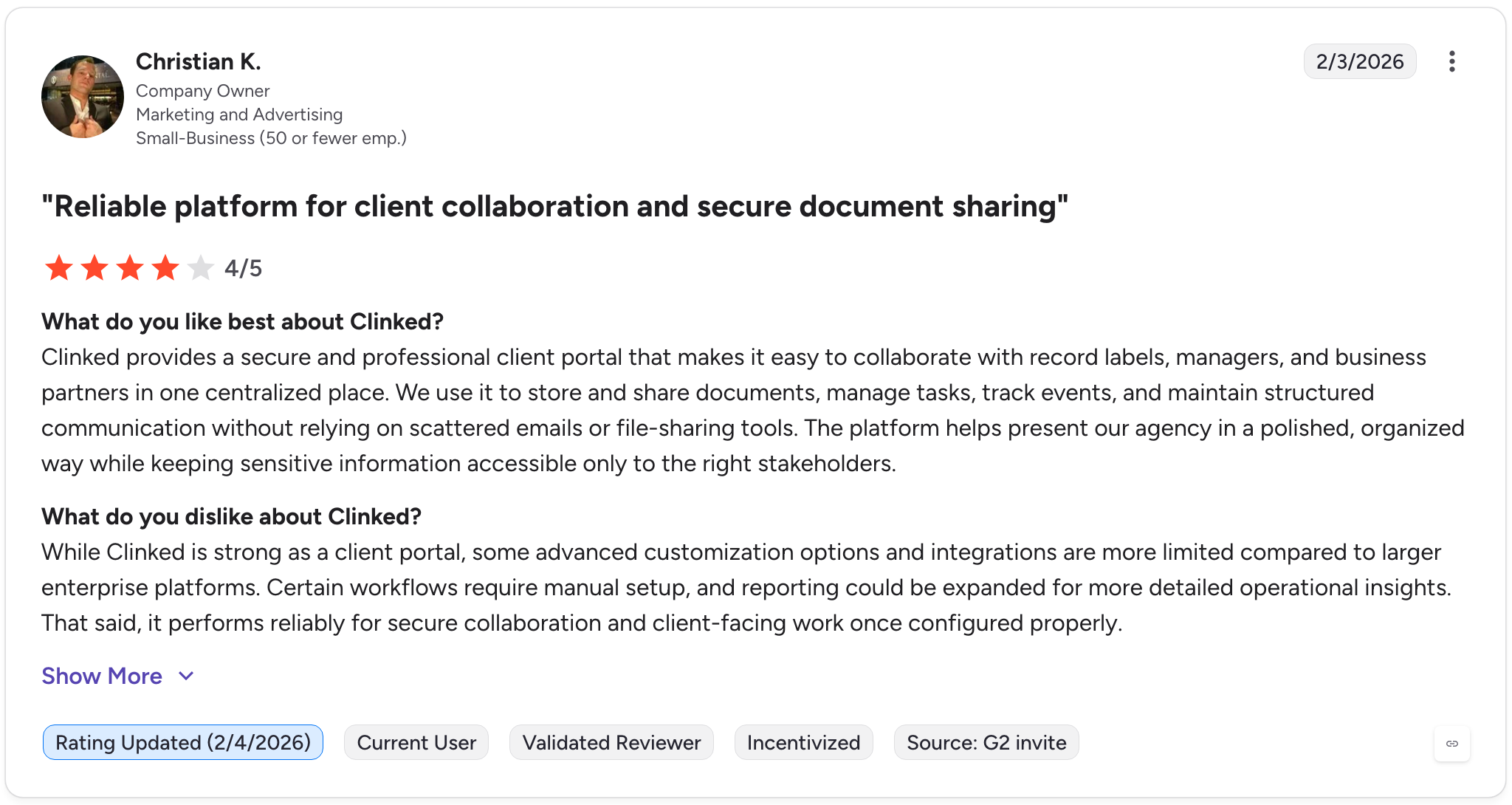
Pro: "Clinked provides a secure and professional client portal that makes it easy to collaborate with record labels, managers, and business partners in one centralized place. We use it to store and share documents, manage tasks, track events, and maintain structured communication without relying on scattered emails or file-sharing tools." - Christian K., G2
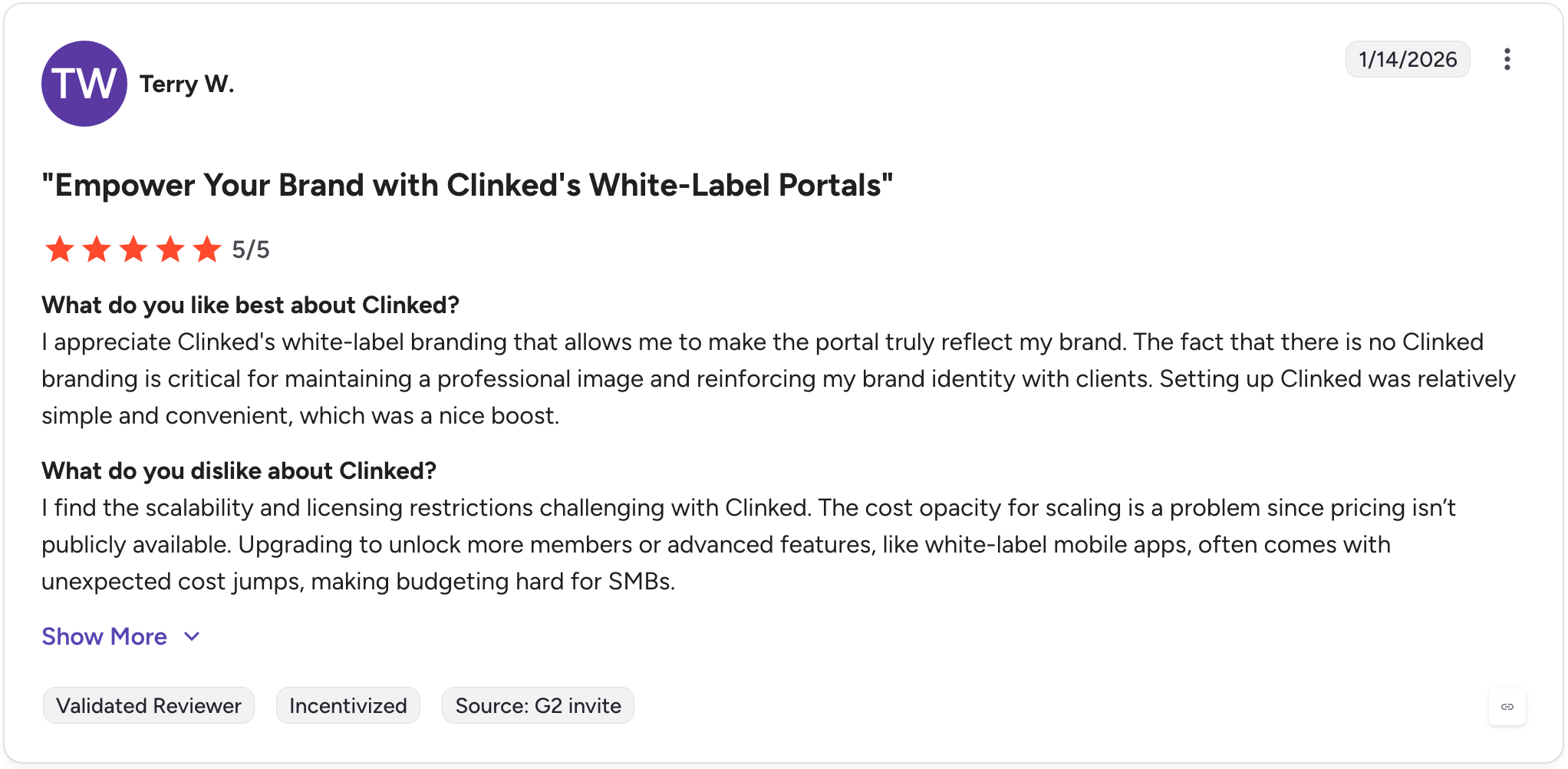
Con: "I find the scalability and licensing restrictions challenging with Clinked. The cost opacity for scaling is a problem since pricing isn't publicly available. Upgrading to unlock more members or advanced features, like white-label mobile apps, often comes with unexpected cost jumps, making budgeting hard for SMBs." - Terry W., G2
Pricing
Clinked starts at $239 per month.
Bottom line
Clinked's ISO 27001 certification makes it one of the few branded portal platforms that can credibly support compliance needs in finance, legal, and healthcare without custom builds. If you need a portal that combines the branded client experience with an internal knowledge base and team workspace, FuseBase might be a better fit.
5. FuseBase: Best for branded portals with an internal knowledge base
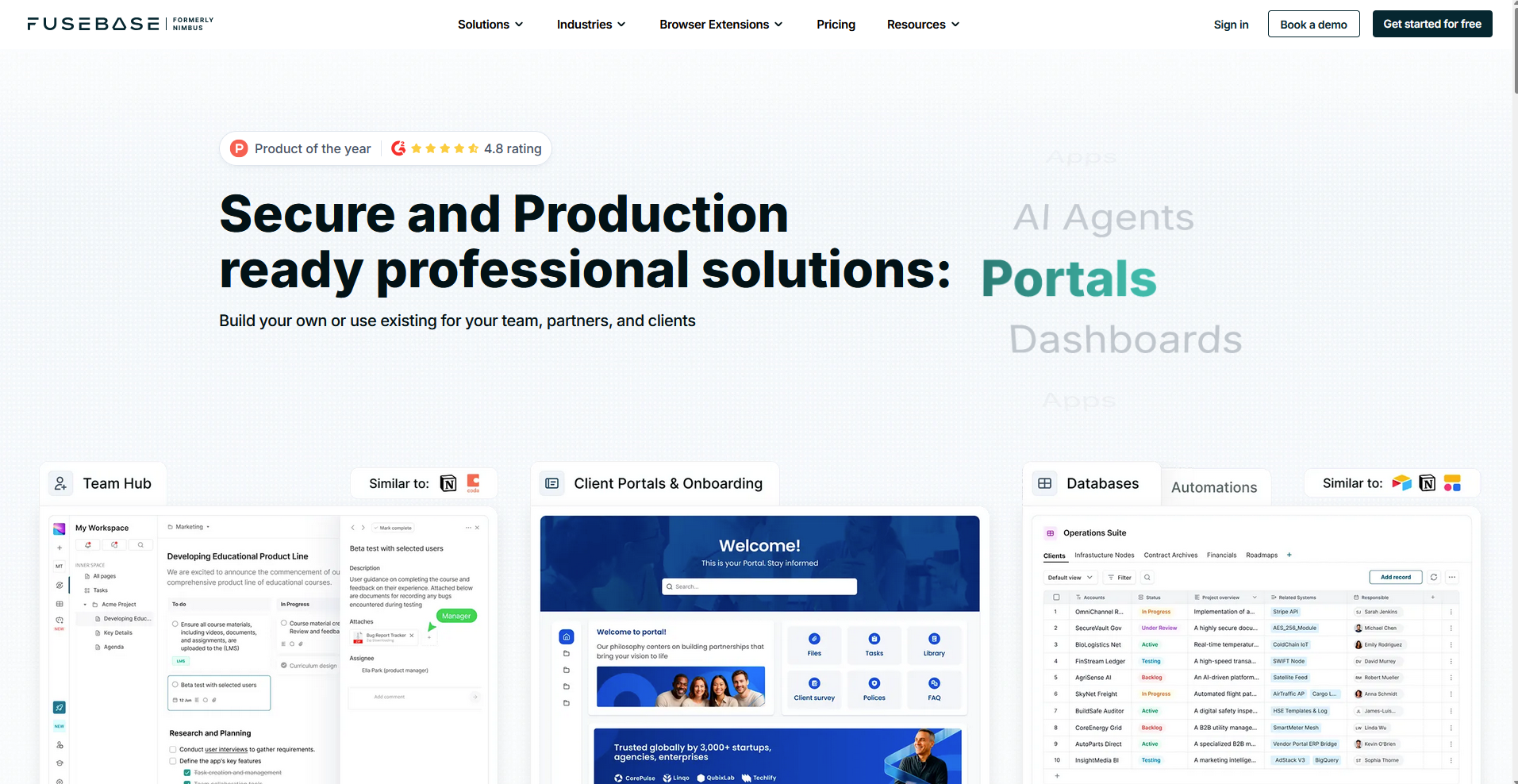
- What it does: FuseBase is a client collaboration platform that combines white-label client portals with an internal knowledge base, project management, file sharing, and e-signatures in one workspace.
- Best for: Agencies and consultants that want a branded client portal connected to an internal knowledge base and team workspace.
I connected FuseBase's client portal to an internal knowledge base to test how well the two sides work together for a service team. The portal handled file sharing, project updates, and e-signatures cleanly, while the knowledge base stayed internal and out of the client's view. Full white-label access requires a higher-tier plan, so it's worth checking before committing.
Key features
- White-label client portals: Branded client-facing workspaces with custom domain, logo, and color customization, available on higher-tier plans.
- Internal and external knowledge base: A dual knowledge base structure that lets teams manage internal documentation separately from client-facing content, with AI-powered search across both.
- E-signatures and file sharing: Document signing, file uploads, and secure file sharing built directly into the client portal without requiring third-party tools.
Pros and cons
What users say
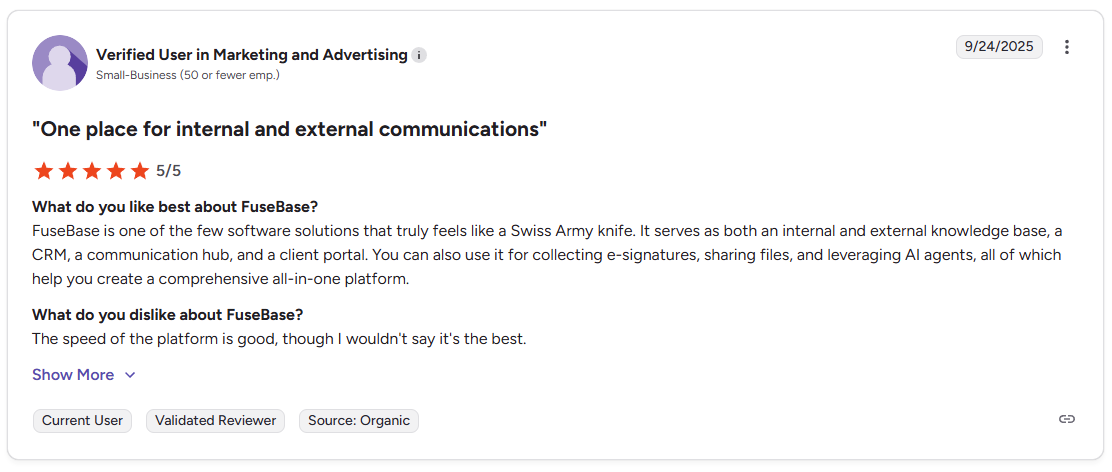
Pro: "It serves as both an internal and external knowledge base, a CRM, a communication hub, and a client portal. You can also use it for collecting e-signatures, sharing files, and leveraging AI agents." - Verified User in Marketing and Advertising, G2
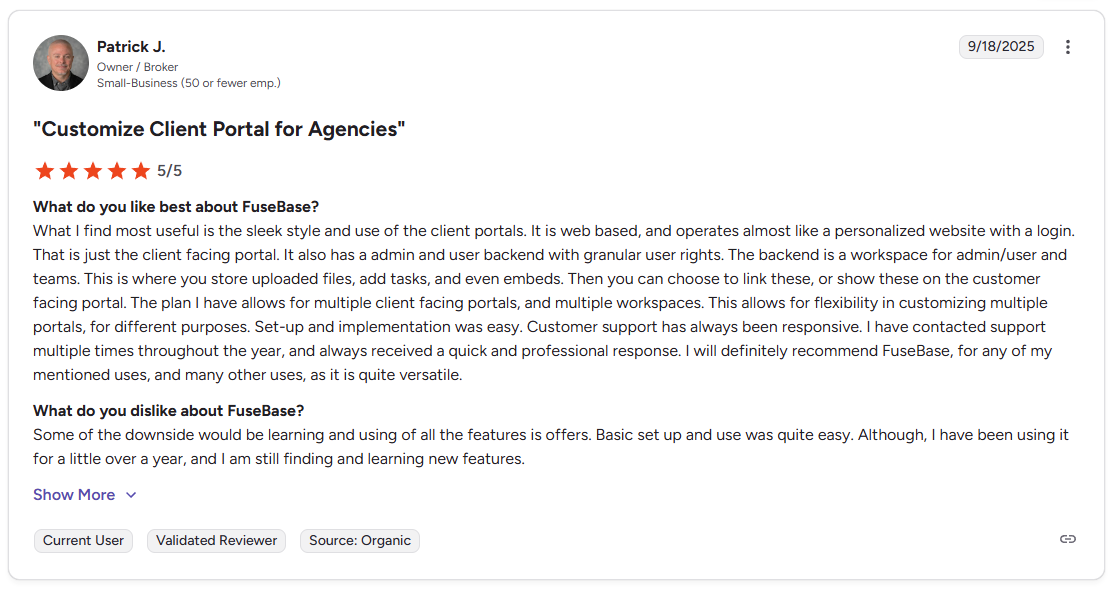
Con: "Some of the downside would be learning and using of all the features [it] offers. Basic set up and use was quite easy. Although, I have been using it for a little over a year, and I am still finding and learning new features." - Patrick J., G2
Pricing
FuseBase starts at $32 per month.
Bottom line
FuseBase's combination of a client-facing portal and an internal knowledge base in one platform can reduce the tool switching that agencies and consultants deal with across project delivery. If you need a portal with deeper CRM, billing, and client relationship management built in, Assembly might be a better fit.
Special mentions
I couldn't fit a full review for everything I tested, but these 11 are still worth a look depending on how your business runs.
Here are 11 more platforms to consider:
- HoneyBook: A client relationship platform for independent service businesses and small agencies. It works well for keeping contracts, invoices, and project communication in one branded space, with font, color, and button customization that gives the portal a polished feel. Client uploads don’t live in a separate, client-only uploads area, so you may still end up juggling some files over email.
- TaxDome: A practice management platform built for tax and accounting firms. Firms can publish a white-labeled mobile app under their own name, which adds a layer of branded client experience that goes beyond the web portal alone. I found it can take hours of workflow configuration before automated tasks like document requests and reminders run without manual follow-up.
- Canopy: An accounting practice management platform with a branded portal covering document requests, e-signatures, and client messaging. The portal experience is clean and clients can navigate it without much hand-holding. Advanced automation and reporting are locked behind higher-tier plans, which can push smaller firms to upgrade faster than expected.
- SmartVault: A document management platform with a branded portal built around secure file storage and document requests. The integrations with tax preparation tools like Lacerte and ProSeries stood out for tax-focused firms. Messaging and task management sit outside its scope, so it works best as part of a wider tech stack.
- Karbon: A work management platform for accounting firms with a branded portal covering task collection, document sharing, e-signatures, and billing. Client interactions link back to the firm's internal workflows automatically, but clients access the portal through device-specific magic links rather than a persistent login. This can limit the sense of an ongoing branded workspace.
- Dubsado: A business management platform for creative service providers that pulls proposals, contracts, invoices, and emails into a single branded portal. The workflow automation handles onboarding sequences well once configured. I'd set aside time for that setup, as the workflow builder has a noticeable learning curve.
- Client Portal: A WordPress plugin that adds a branded portal directly to your existing WordPress site, with clients logging in through your own domain. I liked that it keeps the client experience on your existing web presence rather than redirecting to a separate platform. The feature set is narrower than standalone portal tools, so it suits simpler client workflows best.
- Bonsai: A project and business management platform for freelancers and small agencies. I found the branded portal keeps files, invoices, contracts, and project status organized in one client-facing view, which works well for solo operators managing multiple clients. Custom domain support is gated behind higher-tier plans, so the portal can still carry Bonsai's branding until you upgrade.
- ManyRequests: A white-label client portal built specifically for agencies that run on productized or subscription-based services. The request tracking setup works well once you have repeatable service packages, since clients can submit, track, and pay from one branded dashboard. Removing ManyRequests branding entirely requires upgrading to the Pro plan.
- Ahsuite: A white-label client portal for agencies and freelancers centered on embedded content, task management, and file sharing. Custom domains and custom CSS let you adjust fonts, colors, and layout to match your brand identity precisely. The interface looks noticeably dated, which can undercut the professional impression you're trying to create for clients.
- SuperOkay: A branded client portal for digital agencies focused on project updates, document sharing, and client approvals. I found the setup straightforward and the interface clean enough that clients can navigate it without guidance. Client limits on lower plans can feel tight for agencies with a high volume of active clients, so fast‑growing teams may need to upgrade sooner.
Which branded client portal platform should you choose?
The right branded client portal platform depends on how central the client-facing experience is to your business and how much you need the portal to do beyond file sharing and messaging.
Choose Assembly if you:
- Want a branded portal with dynamic client homepages that update based on each client's activity
- Need recurring automations that trigger client-facing tasks without manual follow-up
- Manage billing, contracts, and client communication from one platform
Choose Moxo if you:
- Run high-touch client engagements that require guided, step-by-step workflow orchestration
- Need full white-label control including branded mobile apps for iOS and Android
- Serve enterprise clients with strict compliance and audit trail requirements
Choose SuiteDash if you:
- Want a portal with CRM, billing, and project management included at a flat rate
- Manage a large number of clients and need unlimited client access without per-seat fees
- Are willing to invest time in setup to get a highly customized portal experience
Choose Clinked if you:
- Need ISO 27001-certified security for a regulated or compliance-heavy industry
- Want branded mobile apps that carry your firm's identity on iOS and Android
- Manage external collaboration across multiple client groups with granular permissions
Choose FuseBase if you:
- Need a branded client portal that doubles as an internal knowledge base for your team
- Deliver project work that clients need to review, approve, and comment on directly
- Want a portal that covers both client-facing workspaces and internal documentation in one place
Skip this category entirely if:
- You only need basic file storage and don't require a client-facing branded experience
- Your clients interact primarily through email and have no need for a dedicated workspace
- You're a solo operator with a very small client base and a simple, repeatable workflow that email handles well
Final verdict
Every tool on this list handles the basics of a branded client portal, but the depth of white-label control, the client-facing features, and how well the portal connects to your broader workflow varies significantly across platforms.
The vertical-specific tools like TaxDome, Canopy, and Karbon go deep on industry workflows but keep the portal secondary. The agency-focused tools like ManyRequests and Ahsuite prioritize the branded experience but are narrower in scope. Assembly sits in the middle, built around the client-facing experience without being locked to a single industry.
Here’s how Assembly can help:
- Give clients a branded portal: Clients log into a space that reflects your brand to access contracts, invoices, files, and project updates. You can also set up dynamic homepages so each client automatically sees content tailored to their specific services and engagement, without any manual changes on your end.
- Built-in client management: Track client relationships, communication history, and project status in one place so nothing gets lost between onboarding and renewal.
- Keep tasks, messages, and files together: Client communication, shared files, and project tasks stay connected to each client record instead of being scattered across separate tools.
- Embeddable dashboards: You can embed reports from Looker Studio, Databox, Power BI, Google Sheets, and other tools directly inside each client's portal, so clients don't need a separate login to see their data.
- Prep faster for meetings: The Assembly AI Assistant summarizes recent client activity and communication, helping you walk into calls with a clear picture of what’s been discussed and what’s outstanding.
Assembly may not be the right fit if you want a portal without built-in client management or prefer a vertical-specific tool built around your industry's workflows. But for service businesses that want a professional, scalable platform for managing client relationships and delivery, it's worth a look. Start your free Assembly trial today.
Frequently asked questions
What is a branded client portal?
A branded client portal is a secure, client-facing workspace that runs under your own logo, colors, and domain so clients interact with your business rather than a third-party platform. The key difference from a generic portal is that clients see your brand at every touchpoint, from the login page to email notifications.
What is the difference between a client portal and a customer portal?
A client portal and a customer portal serve the same core purpose but target different business relationships. Client portals are built for B2B service businesses, where ongoing collaboration, document sharing, and project tracking are central to the relationship. Customer portals tend to serve B2C or product-based businesses, focusing more on order tracking, support tickets, and account management.
What is the best client portal platform?
The best client portal platforms for service businesses are Assembly, Moxo, SuiteDash, and Clinked. Assembly suits agencies and consultants that want a branded portal with built-in billing and automations. Moxo fits enterprise teams that need guided workflows and full white-label control. SuiteDash works well for small businesses that want CRM and billing at a flat rate.